Does ChatGPT Have Folders? The Honest Answer (2026)
Quick Answer
No — ChatGPT does not have folders natively. Projects is the closest built-in feature: it groups chats around a topic with shared files and instructions, but there's no nesting, no tags and no color coding. Real folders on chatgpt.com come from browser extensions like AI Workspace Pro, which adds unlimited nested folders free.
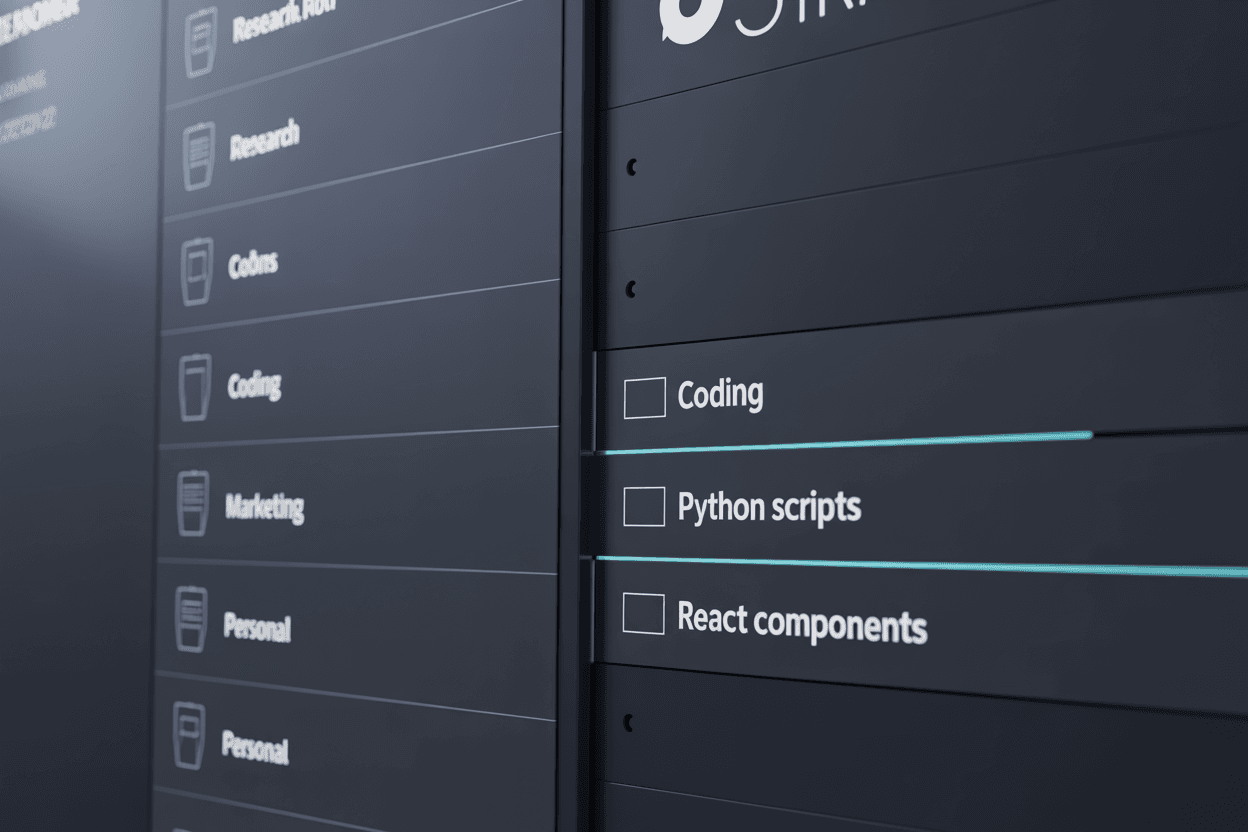
It's one of the most-asked questions about ChatGPT, and the answer is short: no, ChatGPT does not show folders natively. Years in, the sidebar remains a single chronological list, and every chat you start joins the same undifferentiated column.
OpenAI's answer to organization is Projects, and it's worth understanding what Projects do and don't cover before reaching for anything else — because for some people, Projects are genuinely enough.
What you can do without an extension
A ChatGPT Project is a container: chats inside it sit together, and the Project can hold shared files and custom instructions that apply to every chat in it. Create one from the sidebar, name it, and start or move chats into it. If your ChatGPT use clusters around two or three ongoing topics, Projects may be all the structure you need.
Where Projects stop being folders:
- No nesting. You can't put a Project inside a Project. One level is all you get.
- No tags or colors. A chat is in exactly one Project, with no cross-cutting labels and no visual coding.
- Heavyweight by design. Projects carry files and instructions — overkill when you just want a "Recipes" folder.
1Install AI Workspace Pro to add real folders
Install AI Workspace Pro on Chrome, Edge or Firefox. Folders are a free core feature — no account, no setup — and the extension holds a 4.5★ rating on the Chrome Web Store. Reload chatgpt.com and the folder sidebar is live.
2Create nested folders and drag conversations in
These behave like the folders you expected ChatGPT to have: create them, nest them without limit — Work → Acme Corp → Q3 campaign — and move conversations by drag and drop. Each folder takes a color and custom icon for at-a-glance recognition. The full feature set is on the organization page.
3Go past folders: tags, pins and workspaces
Folders are usually just the entry point. Multi-colored tags label conversations across folder lines, pinning keeps daily chats on top, and bulk operations file an existing backlog in minutes rather than chat-by-chat. When one folder tree isn't separation enough — client work next to personal chats, say — isolated workspaces give each context its own environment entirely. Keep using Projects alongside all of this for topics that need shared files; folders and Projects coexist without conflict.
Ready to fix this for good?
AI Workspace works inside ChatGPT, Claude & Grok. Free to install, no account required, 100% local-first.
Add to Chrome – Free4.5★ on Chrome Web Store • Free forever core features
Frequently asked questions
Will OpenAI add folders to ChatGPT?
OpenAI hasn't announced native folders. Projects is their current direction for organization, and it has improved over time — but as of mid-2026 there's still no nesting, tagging or folder hierarchy built into ChatGPT.
Is ChatGPT Projects the same as folders?
Not quite. A Project groups chats and attaches shared files and instructions, which folders don't do — but it can't nest, has no tags or colors, and each chat belongs to only one Project. Projects are topic containers, not a filing system.
Are extension folders free?
AI Workspace Pro's folders, tags, pins and workspaces are free core features, with no account required. Pro ($7.99/month billed annually) adds extras like AES-256 encrypted vaults, unlimited prompts and the full Image Gallery.
What happens to my folders if I uninstall the extension?
Your conversations are untouched — they live in your OpenAI account and never moved. The folder structure itself is extension data stored locally in your browser, so it disappears with the extension; your chats simply return to the flat native list.
Related feature
Folders & Organization